Monday, 20 February 2006

Wolf again


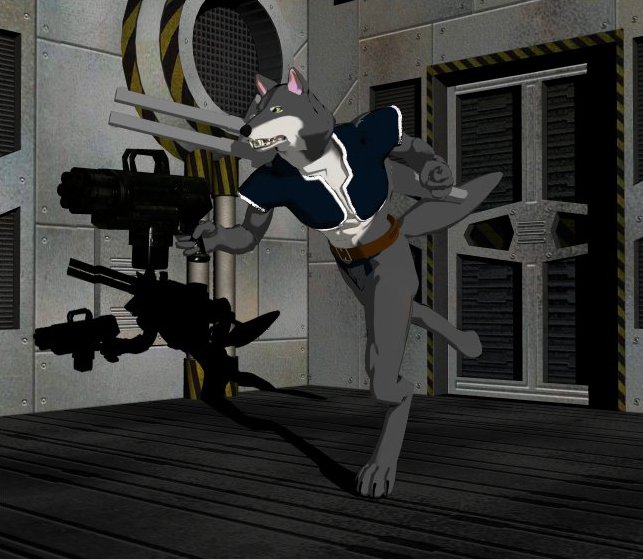
Haven't posted anything here for a while, so I thought I'd post this.
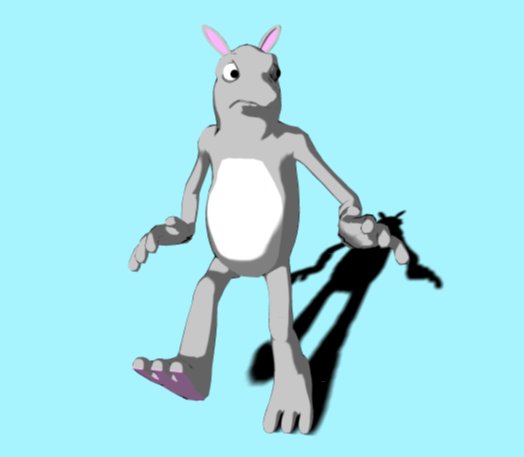
Have been spending a bit of time making characters, morphing, adding clothes, etc. Not with any particular story in mind, but something might come to me at some point. There's been a sale on DAZ recently, giving me an opportunity to get hold of some new gear for my characters.

Sunday, 5 February 2006

Hmmmm...

Can't shake this feeling, looking through some of the images on a website like CGTalk.com, and then looking through the gallery on a Poser site (like DAZ) that there is a big dividing line between Poser users and other 3d creators - mainly that, with Poser images, you inevitably get repetitions of the same blinking figures doing the same things over and over again. It was an issue that came up on the Animotions website recently, where a discussion started over whether Poser was a help or a hindrance to creators of 3d work. Some users expressed the opinion that a lot of artists who use Poser tend to get a bit lazy. I could see their point.
There's got to be some kind of middle ground between the kind of (slightly sickeningly) super-talented 3d artists who build their own figures completely from scratch, and rig them and pose them and make clothes for them and build an entire cityscape for their character to live in and probably built their own blinking computer to boot, and the other kind of artists who are really just producing (yet more) images of Spider Man swinging through a city scene or Victoria 3 looking sultry as she poses with a huge gun, for fun - a hobby, nothing more.
Question is, where do I fall on that sliding scale between artist and hobbyist, and do I really want to be there? I have this creative urge to make visual things, and yet can't help thinking that using Poser is just like making Lego models or photographing Action Man in a costume that you've made for him.
Tuesday, 24 January 2006

AAAAAAAAARRRRGGGH!!!! Part 2

Have had a repeat of the same problem described in the previous post - last time it happened with Victoria 3 RR, this time with the Freak RR. Both of these figures have a LOT of morphs and a lot of places on their bodies that need colouring - plus I've got them both wearing Treadz (tough-looking boots supplied by DAZ Productions) which are complicated figures in themselves. In both cases I lost the figures when Poser ran out of memory, and rather than not saving them at all, the program just saved them as blank Poser files. A lot of work consigned to oblivion in the blink of an eye.
The solution? I'm still working on that. What I am doing is saving each of those figures twice, so if one gets "blanked", there is at least an older copy in existence. I'm also avoiding adding toon shading to the figures boots.

Another curiosity is that, when I toon shade these Millennium figures (as DAZ calls them) - Victoria or Michael or the Freak - they get a jagged black outline appearing around their head in renders. Except when they are in close up.

Sunday, 15 January 2006

AAAAAAAAARRRRGGGH!!!!

Tried building a scene last night, which featured two figures and some background objects. Got the figures set up right, tried to save it, and got a message saying "You are out of memory! Please save your work soon and allocate more memory to Poser." Tried deleting the background objects from the scene, but still got the same message. Tried deleting one of the figures and got the same message again, but this time the program closed down. Scene lost.
I really, really hope this was just a one-off.

Web page is almost finished - it's just reached that stage which I reach with every project, of dithering around. Haven't yet made a decision of whether to publish it on Geocities (which is where my other website is) which is free but you have to put up with adverts popping up, or to use someone else - this is part of the reason for the dithering, I wouldn't know where to begin choosing another host.

Friday, 13 January 2006

Compositing


Asked a couple of guys at work today about how they would get around the following problem:
  1. I select a figure from a picture with a blank background (or a background of just one colour.
  2. I paste that figure onto another picture with a different coloured background.
  3. Since the figure is anti-aliased, a horrible outline appears around them.

They both offered some advice, involving feathering and drawing onto a layered transparent background. Both of them are using rather more expensive software than my current drawing package, and so it may be a matter of upgrading to a package with more features.

There are probably tutorials about this on the internet, but finding them is another matter.

Sunday, 8 January 2006

Toon-ifying imported objects

Okay, I appear to have cracked the problem (of imported props, 3ds or Wavefront turning black in toon renders when an outline is added). The (convoluted) process for making it work is as follows:
  1. Import the object.
  2. Enter the Setup Room.
  3. Leave the Setup Room. This will enable you to add the object to the Figure library.
  4. Add the object to the Figure library.
  5. Create a new scene.
  6. Add the new figure to the scene.
  7. Enter the Setup Room.
  8. Leave the Setup Room.
  9. Add your toon shading and outline to the object, and then render. Et voila!

Logically, there is no reason why this should work. But so far it appears to. :)

Thursday, 5 January 2006

Further progress

Okay, this is better. I've got outlines appearing around my figures now (the ones I rigged myself) - Adding them to Poser's library appears to have made the difference. The problem with the shadows under Poser 5 characters seems to have been resolved the same way.
Still got the difficulty with not being able to create outlines around imported objects. The solution may be to turn those objects into Poser figures before trying to toon render them. After all, the existing Poser props and figures had to start out as wavefront or 3ds objects at some point.